Autodoc
WriteADoc provides functionality for automatically generating documentation from Python code docstrings. It extracts information from docstrings—including descriptions, parameters, return values, examples, and more—and structures them into a standardized format.
Usage
::: api my_library.my_module.my_class_or_function
:::
This works with classes, functions, and individual class methods and properties.
Example: Class
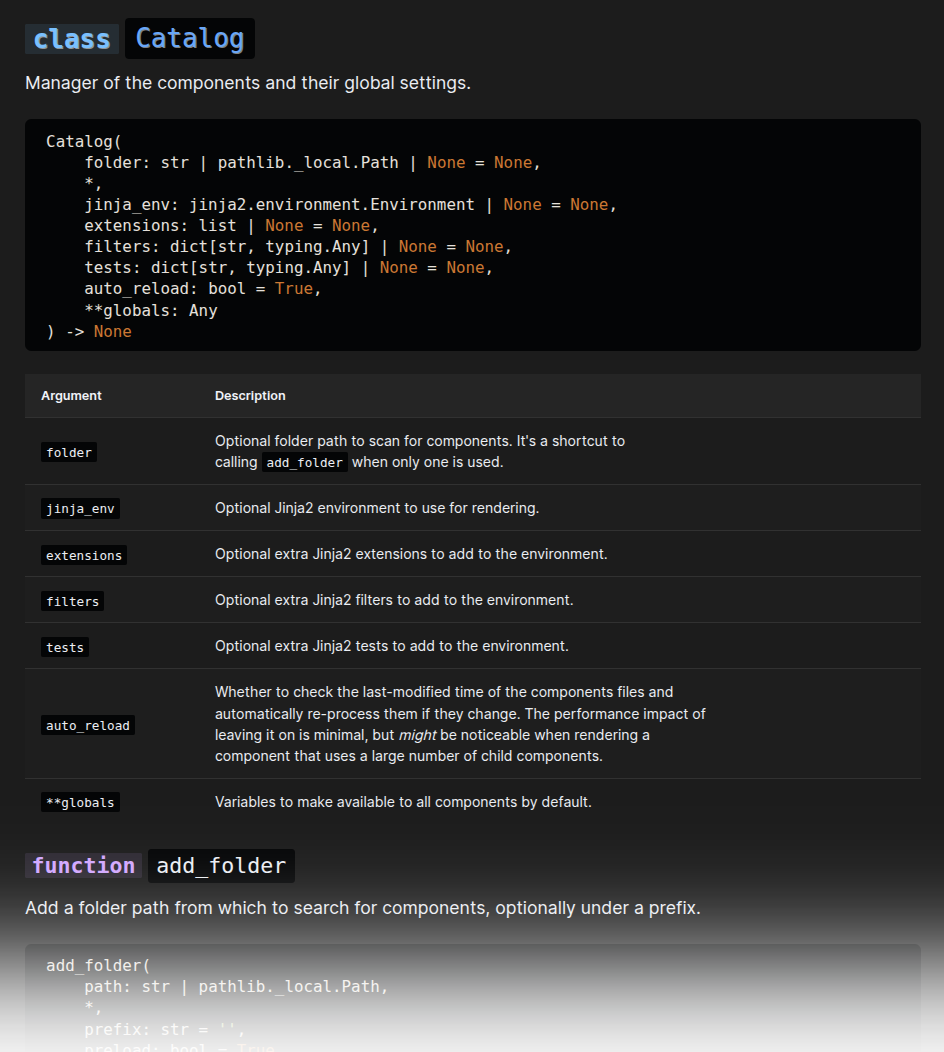
::: api jx.Catalog
:::
Example of an autodoc for a class

Example: Function
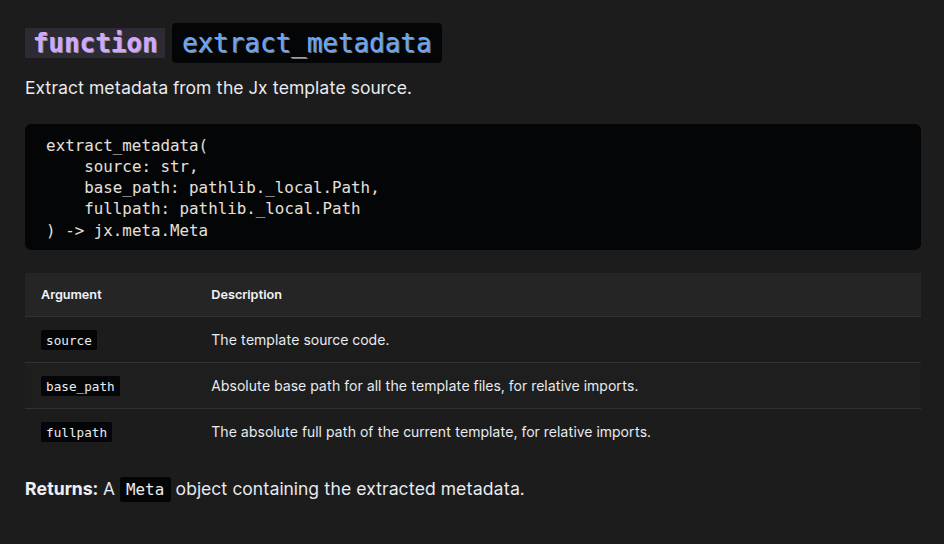
::: api jx.meta.extract_metadata
:::
Example of an autodoc for a function

Options
Customizing What Is Documented
By default, all members of a class whose names don't start with an underscore ("_") will be included. You can include one or more members that start with an underscore using the include option:
::: api jx.Catalog
:include: __call__ __html__
:::
You can also exclude some members with the exclude option:
::: api jx.Catalog
:exclude: get_data to_dict
:include: __call__
:::
Note
As you can see, the options must be separated from each other by spaces.
Showing only the class signature
To exclude all members (methods, propeties, etc.) of a class, use:
::: api jx.Catalog
:show_members: false
:::
Changing the Starting Heading Level
By default, the name of the function or class is rendered with an <h2>, and the names of attributes/methods with <h3>. You can change this by adding the starting heading level after the import path:
::: api jx.meta.extract_metadata
:level: 4
:::
function extract_metadata
Extract metadata from the Jx template source.
extract_metadata(
    source: str,
    base_path: pathlib._local.Path,
    fullpath: pathlib._local.Path
) -> jx.meta.Meta
| Argument | Description |
|---|---|
source |
The template source code. |
base_path |
Absolute base path for all the template files, for relative imports. |
fullpath |
The absolute full path of the current template, for relative imports. |
Returns:
A Meta object containing the extracted metadata.
Notes on Docstring Parsing
The api module relies on the docstring_parser library to parse docstrings. It supports various docstring formats, but works best with Google-style docstrings.
For optimal results:
- Start with a short, one-line description.
- Follow with a blank line and then a more detailed description.
- Use standard sections like "Arguments:" (or "Args:"), "Returns:", "Raises:", and "Examples:".
- Document all parameters, return values, and exceptions.
Customizing the Output
The extracted information is rendered using the api.jinja view, recursively. There, you can see it receives a ds argument with these fields:
name: The name of the documented elementsymbol: Type of the element (e.g., "class", "function", "method")label: Additional label (e.g., "property", "attribute")signature: Function/method signatureparams: List of parameters (for functions/methods)short_description: First paragraph of the descriptionlong_description: Rest of the descriptiondescription: The full descriptiondeprecation: Deprecation notesexamples: List of examplesreturns: Return informationmany_returns: List of multiple return valuesraises: List of exceptions that the function may raisebases: List of base classes (for classes)attrs: List of ds objects for each attribute (for classes)properties: List of ds objects for each property (for classes)methods: List of ds objects for each method (for classes)